







































FREE
Free assets
Mostly CC0
- Commercial use in videos is allowed
- Downloads automatically when you press “Use” in the app
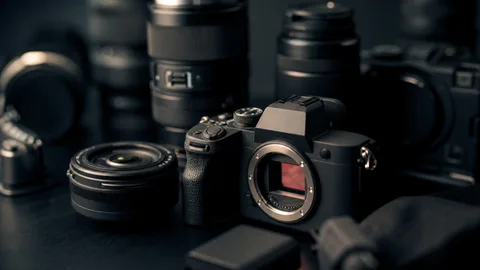
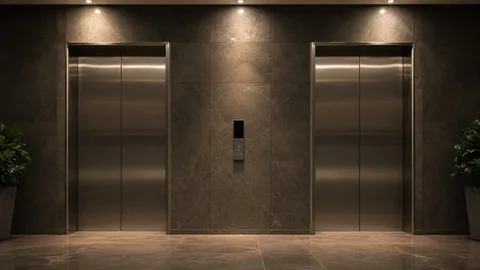
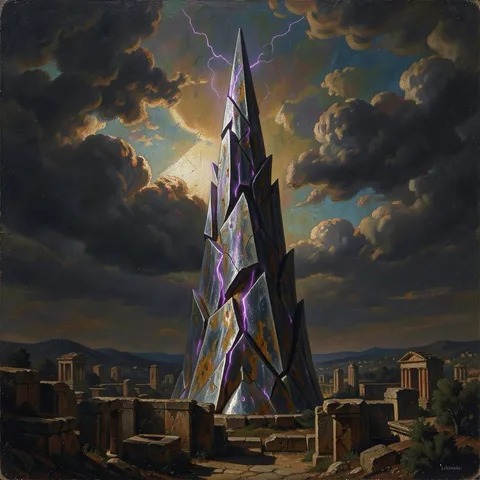
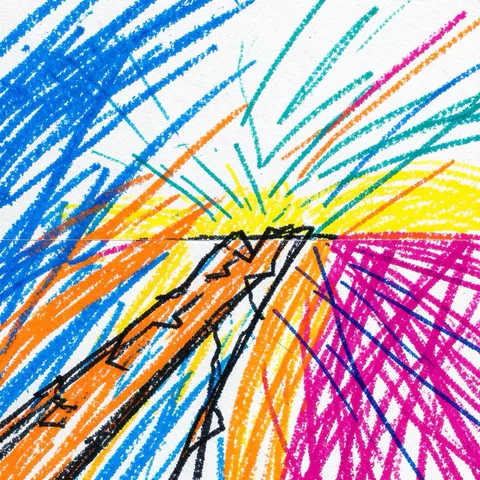
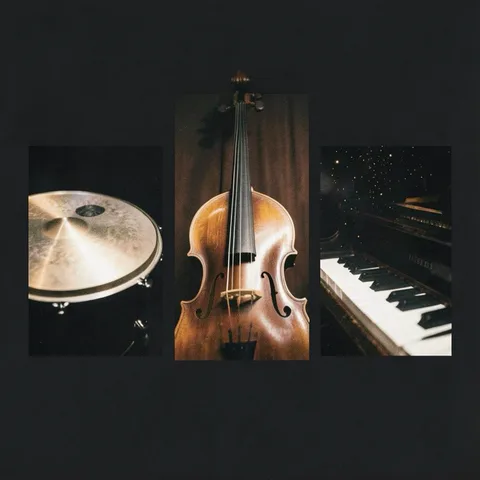
B-roll photos, backgrounds, BGM, sound effects, mockups, and diagrams
 AKARI Video
AKARI Video Lab ASSET LIBRARY
Each asset includes its meaning and adjustable values, so AI can put it to work.
Find and use assets directly in the AKARI Video app.
01Categories
Choose a category to see its assets in a list.
Counts reflect the full Lab catalog.
02Browse
Open a card for a larger preview and instructions for using it in the app.
Play BGM and sound effects right here.
BGM
BGM99tracks
With these filters: 87 assets Across Lab: 7,900 assetsTelops 21 View the styles up close
No assets here match these filters.
Free / CC0
Explore the steps, checkpoints and sample frames, then install each playbook in the app.
03Telop
See all 21 rich-pack styles as rendered.
You can also check how they look over video.
04In the app
Connect once; there is no need to open the Lab site again.
Find an asset in the asset panel and press “Use”.


Card indicators
Only three steps need the web
Purchase, login, and connection approval
Find and use assets entirely in the app.
05Lifetime Pass
One purchase covers Lab asset products.
Assets added later are included automatically.
Serial number
Your digital pass gets a number
Next buyer: No. 152As of 2026/09/27
Seats remaining As of 2026/09/27
349seats/ 500 seats
151 seats sold
Current price
¥9,980
One-time purchase
Current price through seat 200; 49 seats left
Purchased assets appear in the app’s asset panel.
Already purchased? Go to your accountCrowdfunding-style early sale
06License
You may publish and sell videos that include these assets.
You may not distribute or sell the asset files themselves.
FREE
Mostly CC0
B-roll photos, backgrounds, BGM, sound effects, mockups, and diagrams
PAID
AKARI asset license
3D assets, telop rich packs, and more
HOW TO BUY
A harness is a work environment for AI agents such as Claude Code.
You can add assets from the session without opening the app.
akari store connect
akari store install <id>
akari assets fetch <id>
akari assets list --source lab
08FAQ
More questions? Ask us on Discord
Use assets in the AKARI Video app.
Connect your AKARI account once in Settings. Find an asset in the asset panel’s Library and press “Use”.
Assets you use download automatically, one at a time.
Yes. Most free assets are CC0 and allow commercial use.
Pro assets can also be used commercially in videos under the AKARI asset license. Redistributing or selling the asset files themselves is not allowed.
All Lab asset products, including assets added later.
Articles, usage-based cloud services (such as generation APIs), and other creators’ listings are excluded.
One person per account.
The same for individuals and businesses.
Sales end at 500 seats.
After that, we plan to stop one-time sales and move to subscriptions or similar plans.
Completely free and open source (MIT).
Available for Windows (x64) and macOS (Apple Silicon).
09Start
Install it and connect your AKARI account to
use assets right inside the app.